


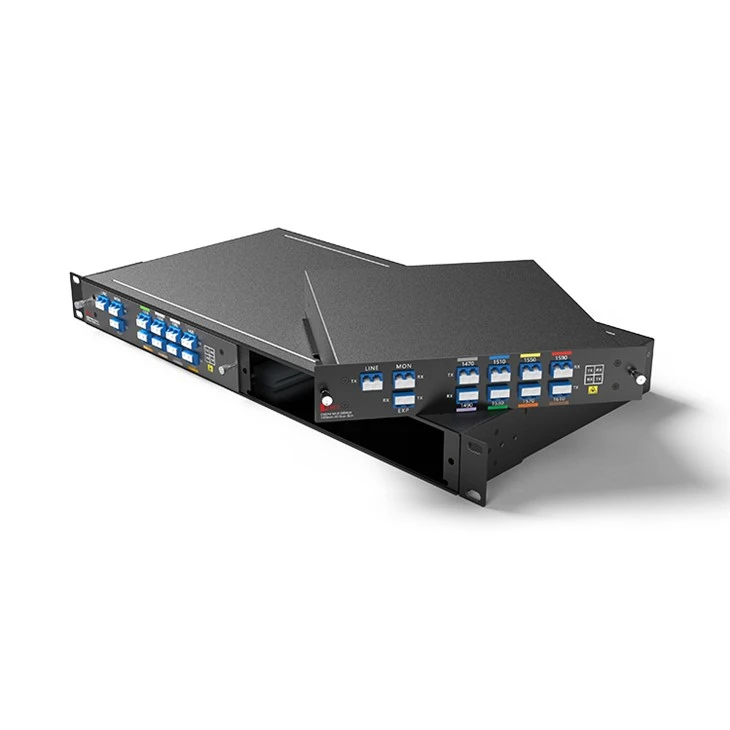
D-net`s CWDM Mux Demux service
● Compatibility Assistance: D-NET offers compatibility services to ensure optical modules are compatible with equipment from leading manufacturers.
● Personalized Services: D-NET provides OEM customization options for its products. Upon request, customers can have colored logo labels tailored to their needs.
● Standard Delivery Period: 3 Days
● Extensive Shipping Solutions: D-NET collaborates with highly reputable courier companies such as SF, FedEx, DHL, UPS, and others to ensure reliable shipping services.
Product Details
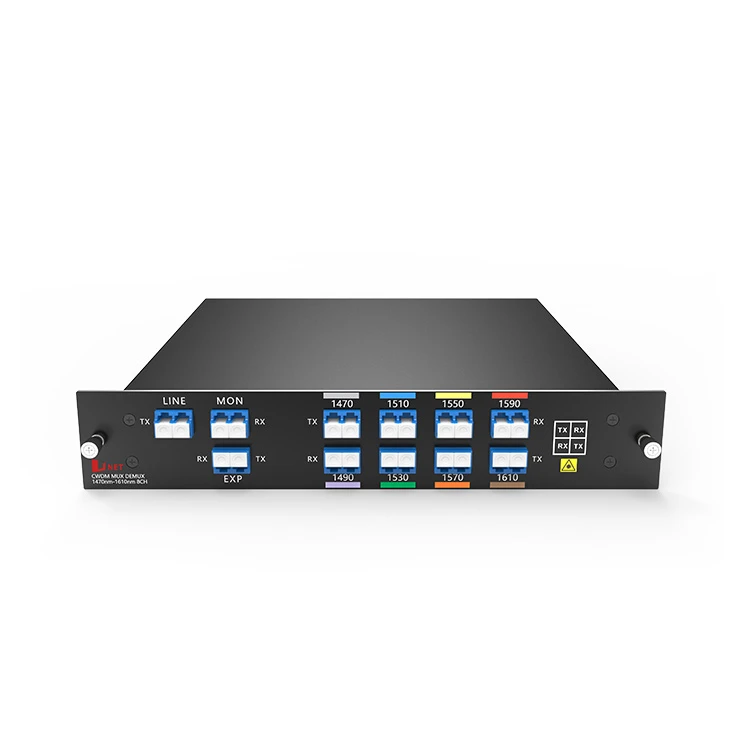
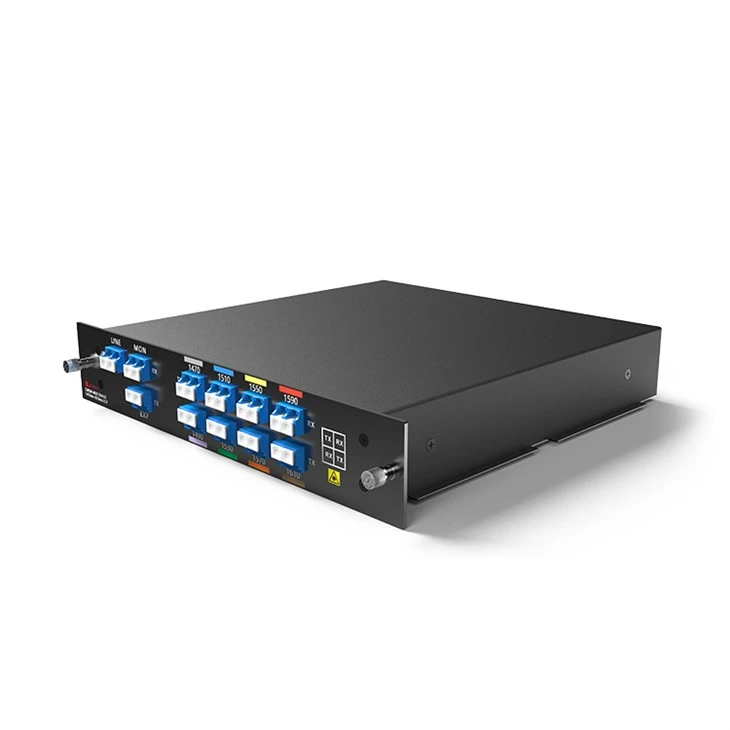
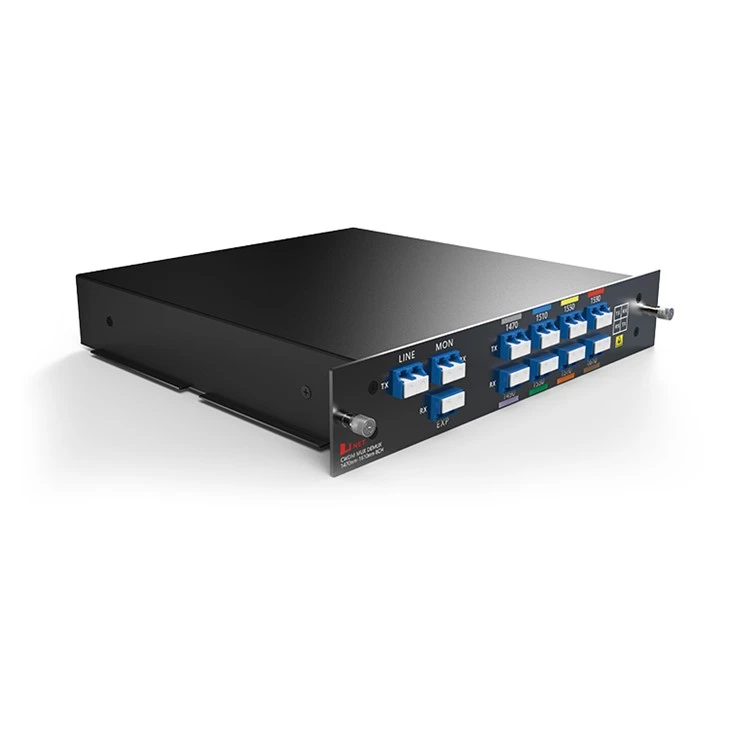
The CWDM MUX and DEMUX DUAL FIBER LGX box features two ports: the EXP (Expansion) port and the Monitor port. The EXP port serves to augment the capacity of fiber optic communication systems by enabling connections to other CWDM devices, thereby adding more channels to existing fiber links. By incorporating extra optical fibers and CWDM MUX DEMUX units, it facilitates an increase in wavelength division multiplexing channels. Meanwhile, the Monitor port acts as an interface for monitoring purposes, allowing the connection of optical power meters or similar monitoring tools to continuously track the optical power levels of each channel. The main objective of the monitor ports is to offer real-time performance insights and assist in network troubleshooting.
Product Panel
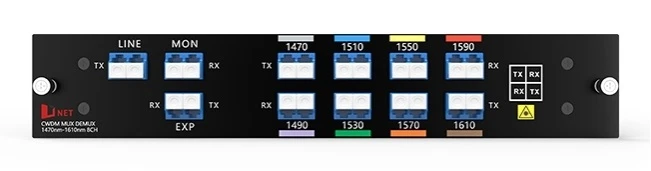
8CH CWDM MUX DEMUX Dual Fiber
Line Link
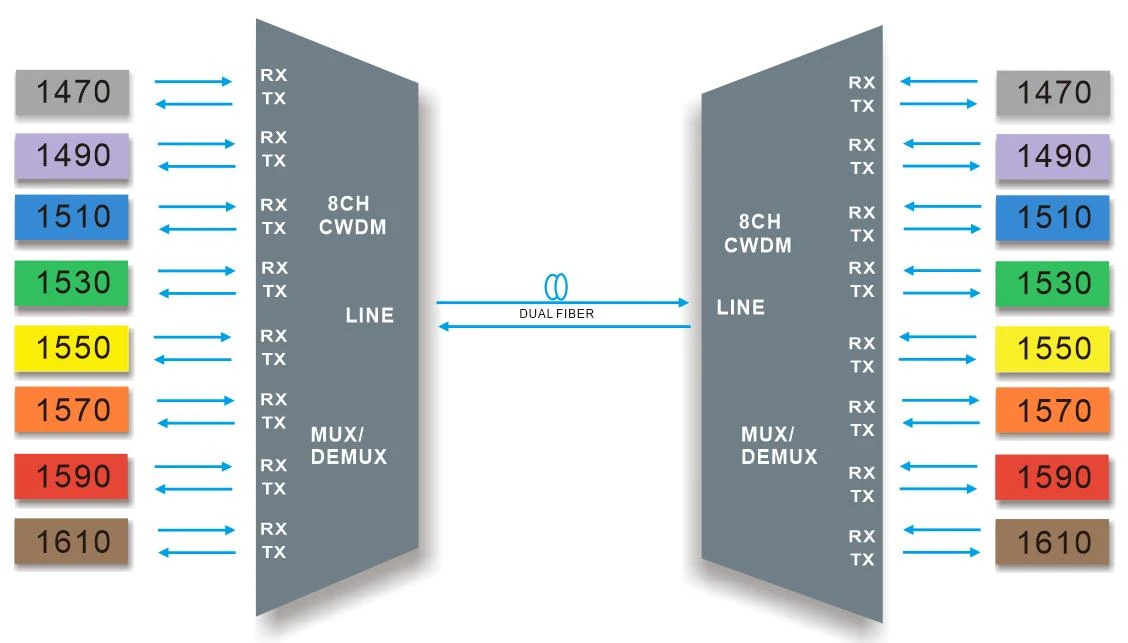
8CH CWDM MUX DEMUX Dual fiber transmission
Hot Tags: dual fiber cwdm mux and demux 8ch(1470-1610) with 1310nm lgx box, China dual fiber cwdm mux and demux 8ch(1470-1610) with 1310nm lgx box manufacturers, suppliers, factory, QSFP28-2X50G-DAC, DDM40-1U01-C2160, QSFP-40G-IR4, SFP-10G-ER, SFP-10G-CWDM-1470-80, QSFP28-100G-SR4
Product Specification
|
Wavelength |
8 channels 1470-1610nm |
Channel Spacing |
20nm |
|
Channel Passband |
±6.5nm |
Technology |
TFF (Thin Film Filter) |
|
Insertion Loss |
Regular :≤ 2.4dB |
Link Loss |
≤ 2.4dB |
|
Insertion Loss @ 1% Mon |
≤ 26dB |
Center Wavelength Accuracy |
±0.05nm |
|
Return Loss |
≥ 45dB |
Directivity |
≥ 45dB |
|
Polarization Mode Dispersion |
≤ 0.1ps |
Polarization Dependent Loss |
≤ 0.3dB |
|
Channel Isolation |
Adjacent ≥30dB |
Temperature |
Operating -40 to 85°C Storage -40 to 85°C |
|
Net Weight |
LGX BOX 0.5KG 2Slot 1u Rack 2.5KG |
Dimensions (HxWxD) |
LGX BOX 190*200*39mm 2Slot 1u Rack 44*440*230mm |
Note: Specified with connectors.
Package Information
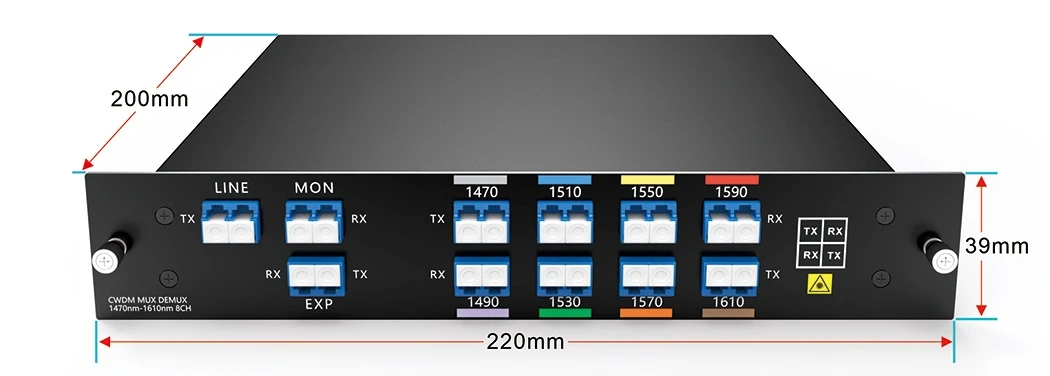
Plug-in LGX Box
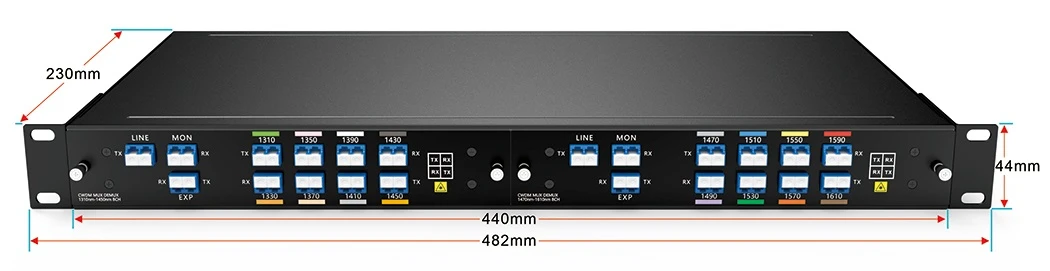
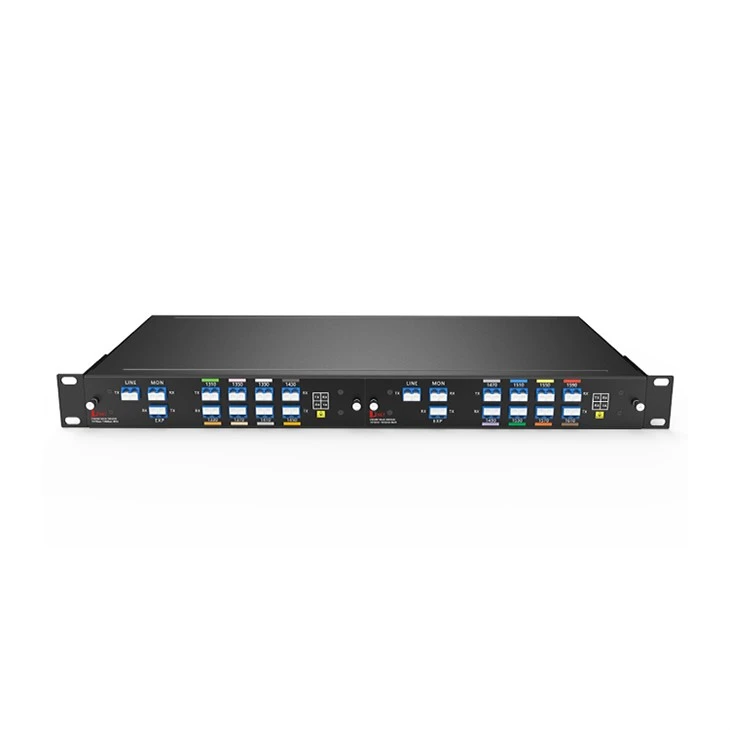
2-Slot 1U Rack for LGX BOX
Order Information
|
Product No. |
Product Description |
|
CMD8-1U01-4761M |
CWDM MUX AND DEMUX 8CH dual fiber (1470nm~1610nm) With EXP And Monitor Port, LC/UPC, Plug-in LGX Box |
|
CMD8-1U01-xxxxM |
CWDM MUX AND DEMUX 8CH dual fiber(xxxx-xxxx) With EXP And Monitor Port, LC/UPC, Plug-in LGX Box (Customized) |
|
1U02-2LGX |
19" inch 1U rack with 2 slot for Plug-in LGX box, 440*230*44mm |
Note: We Support Customized Design, please contact us by email.
FAQ


